// utilities

Just Digits
A simple number pad keyboard for iPhone and iPad.
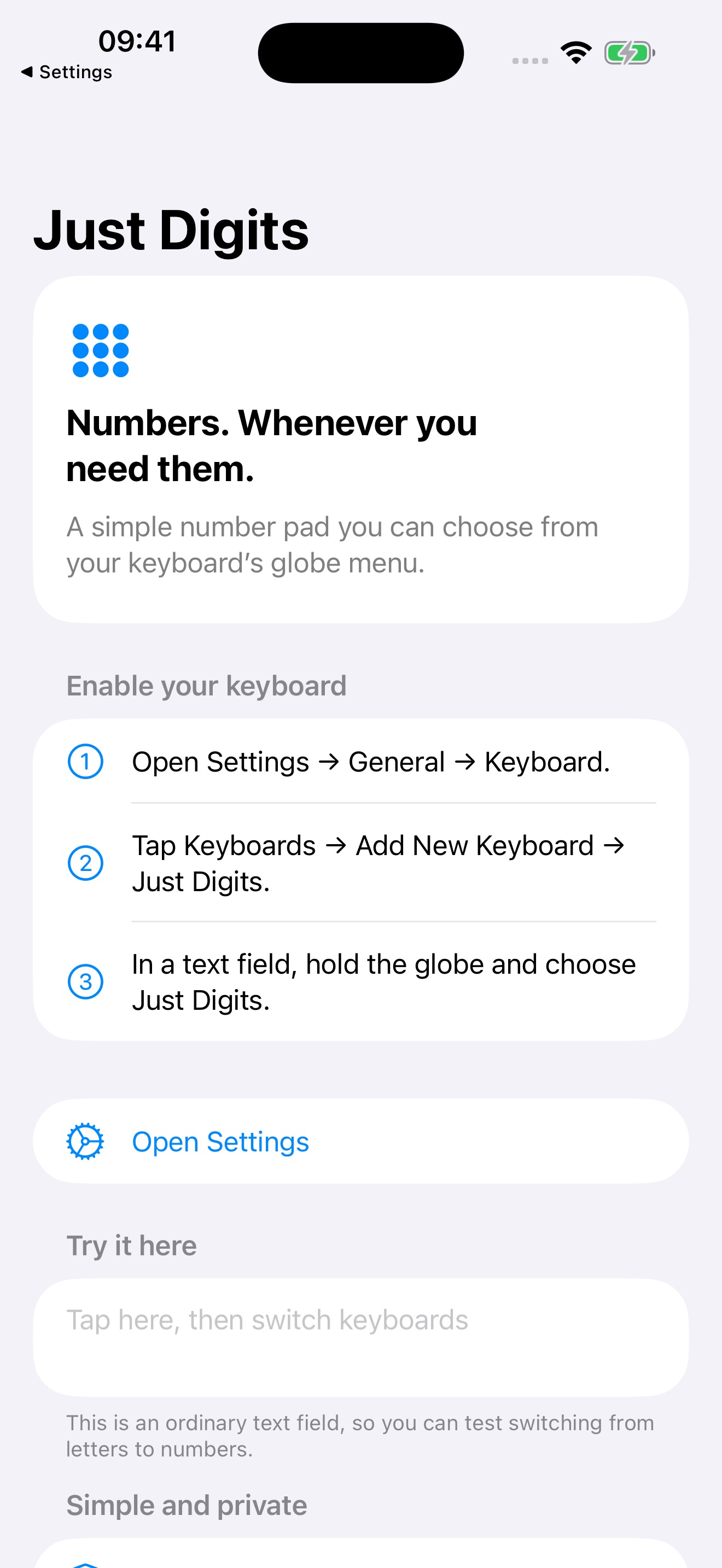
Just Digits puts a clean number pad in your keyboard picker. Reach for it whenever you need to type numbers, even in a text field that normally shows the letter keyboard. No ads, no accounts, no network — and no Full Access required.
// features
/// A familiar layout
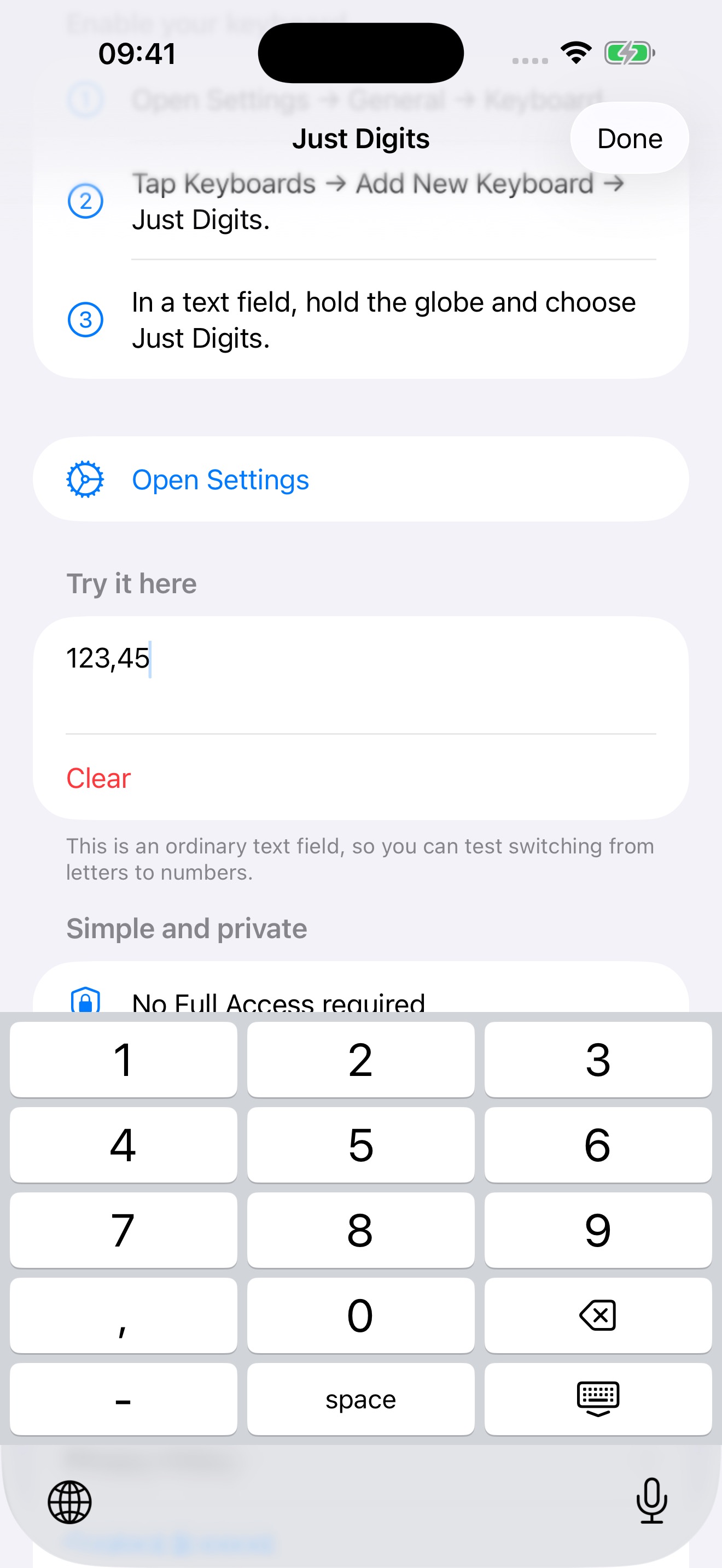
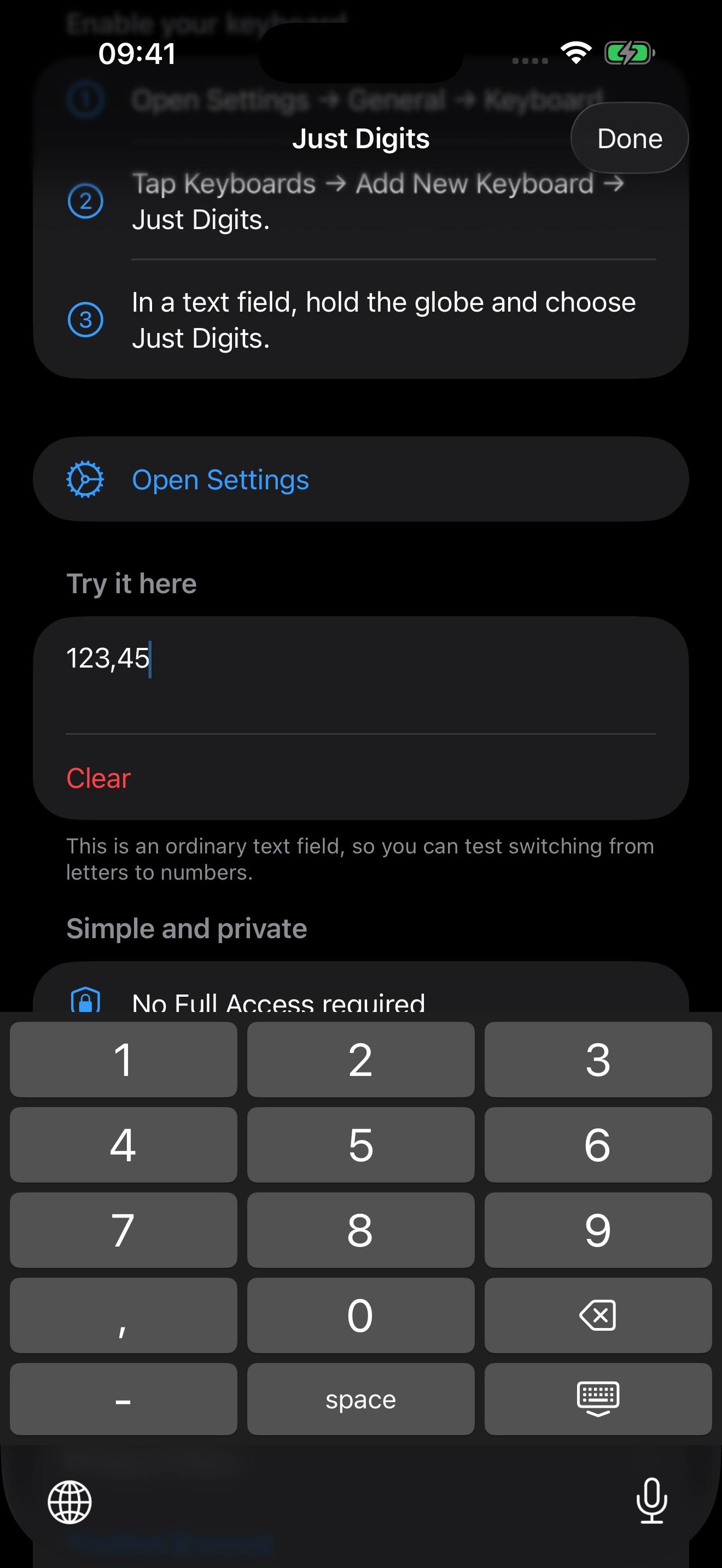
Large keys for 0–9, a decimal separator that follows your device region, and backspace with hold-to-delete. Minus, space, and a key to dismiss the keyboard are right where you expect them.
/// Simple by design
No ads, accounts, subscriptions, or in-app purchases. Light and dark appearances follow your device theme, and the same app runs on iPhone and iPad.
/// Private by design
The keyboard works without Full Access. Just Digits does not collect, store, or transmit what you type — there are no analytics, no tracking, and no network calls at all.
/// Quick setup
Add the keyboard once in Settings, then touch and hold the globe key to switch to it. The app ships with a setup guide and a live test field so you can confirm it works before you need it.
// screenshots
/// Good to know
iOS uses its own keyboard in password fields and certain phone fields, and some apps opt out of third-party keyboards entirely. These are platform restrictions — Just Digits works everywhere iOS allows a custom keyboard.